Instead of: A site that never brings in calls, booking by phone tag, slow pages on a phone.
Tested on a real shop floor first
In-house work at the concrete floor coating company where Max runs operations: real crews, real invoices, real paperwork.
Supplier invoices, read and checked into a sheet
Supplier invoices arrive by email as PDFs. Each one is read, and every line item, plus shipping and tax, becomes a row in the invoice sheet.
Nothing is written unless the rows add up to the invoice total. If they don’t, or the PDF can’t be read, a review email goes to the office instead.
Runs on: Gmail, Claude, Google Sheets
New Invoice Email
Split PDF Attachments
Read PDF Text
Extract Invoice Fields
Totals Reconcile?
Alert: Parsing Failed
Build Sheet Rows
Alert: Totals Mismatch
Append to Invoice Sheet
A monthly inventory report that builds itself
Someone uploads the month’s stock movement report in a simple form. A new tab named for the month appears in the inventory sheet.
AI reads the lines, but plain code does all the adding, so the AI never totals anything. If a line is missing it refuses to write, and re-uploading a month makes a new tab instead of overwriting.
Runs on: n8n form, GPT-5 mini, Google Sheets
Upload the movement report
Extract PDF Text
Parse Line Items (AI)
Build Report
Create Month Tab
New Tab Created?
Tab Exists - Create Dated Tab
Prepare Rows
Write Rows to Tab
Show Result
Example builds
Working examples built to show a pattern. They are examples, not client results.
The AI only picks which approved question an email matches. The reply is sent word for word from a table, so it can never invent an answer.
Run the test set manually
5 sample support emails (test set) (switched off)
New support email (Gmail)
Normalize the email into one shape
Is the email usable?
Drop repeats inside this batch
Quarantine the unusable email
Already triaged in an earlier run?
New email - not seen before
Classify and draft the ticket (AI)
Skip: already in the queue
Is the AI output in spec?
Manual triage - AI was unavailable
Build the draft ticket
Manual triage - output was off schema
Save the draft as awaiting review
Ask a human to approve the ticket
Approved?
Record: reviewer could not be reached
Mark the ticket approved
Mark the ticket rejected
Create the ticket in your helpdesk (switched off)
Support emails triaged, with a person approving every ticket
Nothing is created until a person clicks approve. Unreadable emails and off-spec AI answers are parked for manual triage, never lost.
New document email (Gmail)
Run the sample documents manually
Is there a PDF attached?
Read the text out of the PDF
Use the email body as the document
3 sample documents (test set)
Put every document into one shape
Is there enough text to read?
Drop repeats inside this batch
Already imported in an earlier run?
New document, not imported before
Read the fields off the document (AI)
Hold: nothing readable in this document
Skip: already in the table
Do the figures add up?
Build the row
Hold: the figures do not reconcile
Hold: the reader was unavailable
Flag it in Slack for a human
Write it to the operations table
Also write it to your Excel / Google Sheet (switched off)
Also write it to your database (switched off)
Documents read into a table, with the figures checked
Subtotal plus tax must equal the total, and scanned PDFs with no text are stopped before AI can guess at them. Anything that fails is held, not written.
How a project runs
1
A free 30-minute call
We walk through where the hours go: the office, the crews, the paperwork in between.
2
A short written plan
What to automate first, what to leave alone, and a rough sense of effort. Yours to keep either way.
3
Build in small pieces
One workflow or screen at a time, tested on your real data before anyone relies on it.
4
Hand it over
It runs on your accounts, with a short guide your team can follow and alerts when something needs a person.
ML
Who you'll talk to
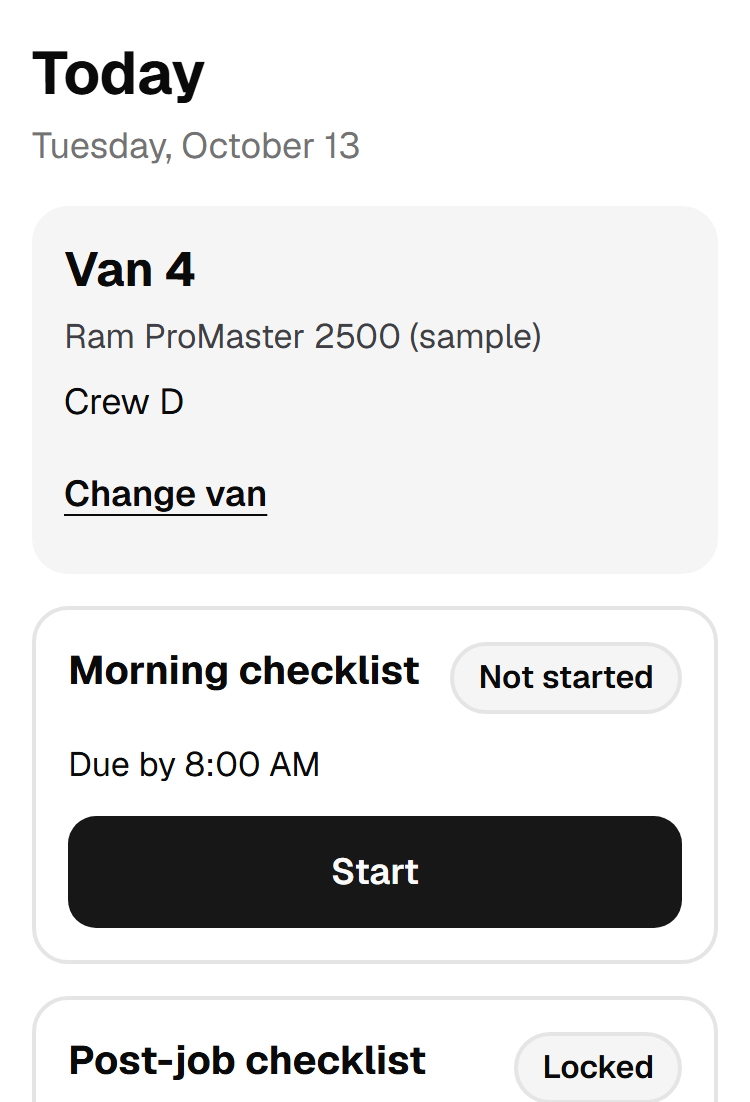
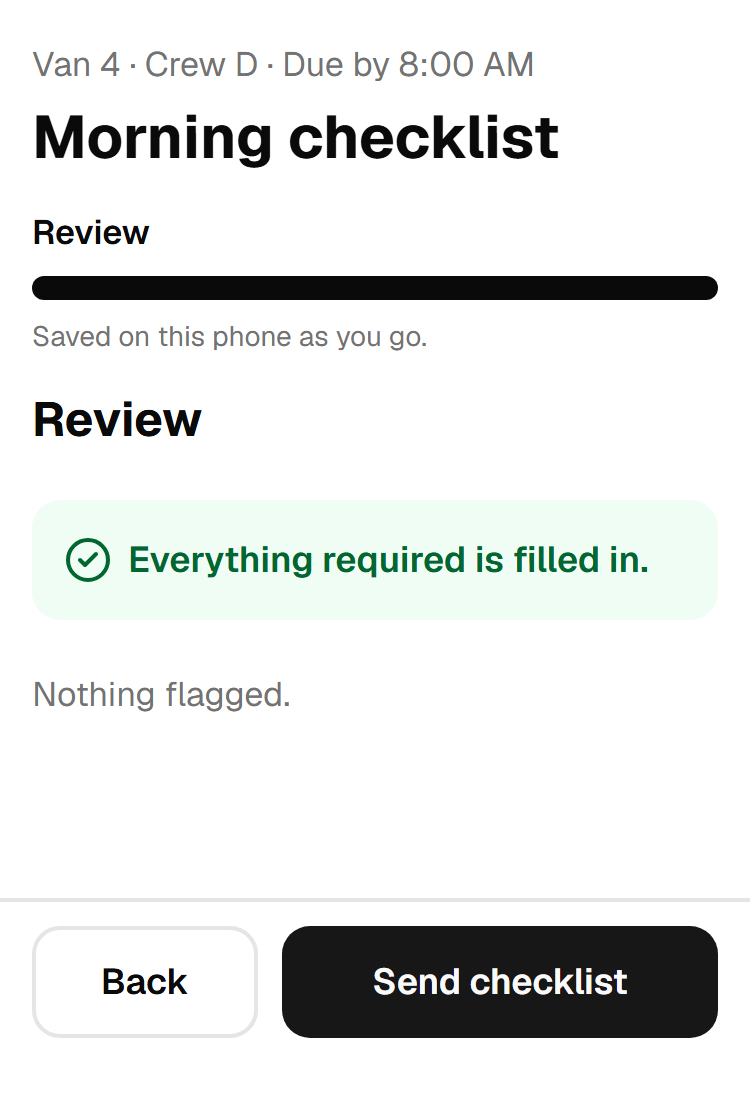
I run operations at a concrete floor coating company. The van checklist, the invoice checks and the inventory report on this site all started as problems with my own crews and my own paperwork.
Yes. It's 30 minutes, there's no pitch at the end, and nothing to sign.
What kind of businesses do you work with?
Service businesses: trades, field service, cleaning, installation and similar teams where the office and the crews still run on forms, phone calls and spreadsheets.
Do I have to change the software I use?
Usually not. We connect the tools you already have, like Gmail, Google Sheets and your CRM, and only suggest a new one when it clearly pays for itself.
What do you build with?
Most automations run on n8n, which can be self-hosted so you pay for a server rather than for every task. Dashboards, apps and websites are custom web builds.
What happens when something goes wrong?
The systems are built to say so. A figure that doesn't add up, a file that can't be read or a step that fails sends an alert to a person instead of carrying on with bad data.
What happens after the call?
You get a short written summary: what to automate first, what to leave alone, and a rough sense of effort. What you do with it is up to you.
Not sure what to automate first?
That's exactly what the call is for. Thirty minutes, free, no pitch.