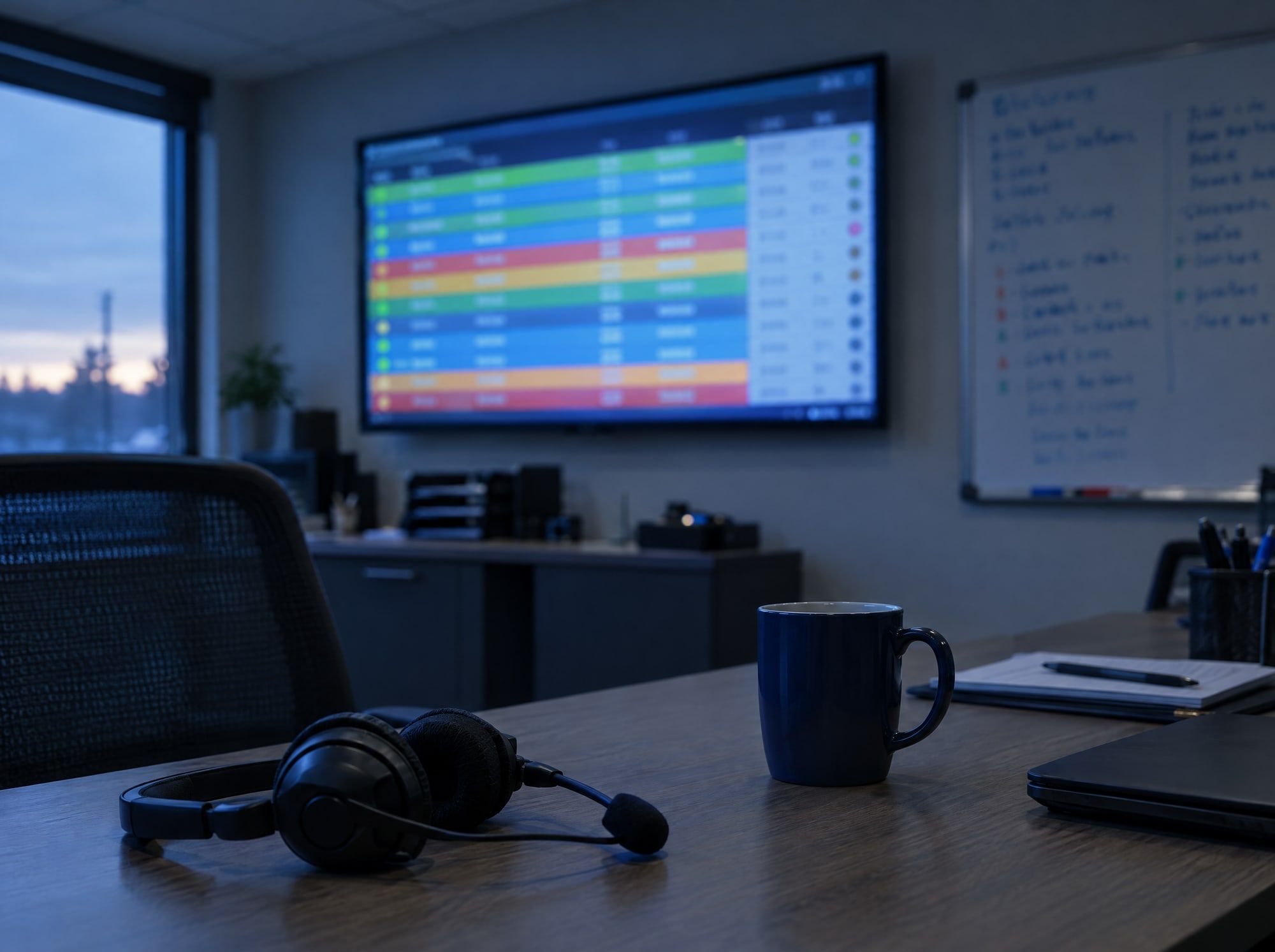
Which vans are loaded, which jobs are late, which invoices don’t match. We build live boards and reports from the data you already create, so the office knows without calling around.
By the time the paperwork comes back, it’s too late to fix what went wrong this morning.
Numbers in five places
The CRM, the spreadsheet, the inbox and two apps each hold part of the picture.
Reports someone builds by hand
Every month, someone spends an afternoon copying figures into the same report.
What we build
A live operations board
Every crew, van or job and where it stands, updating on its own as work is done.
Alerts for what’s late
A missed deadline or a failed step tells the right person, instead of waiting to be noticed.
Reports that assemble themselves
Monthly sheets and daily summaries produced from the source documents.
A summary where you already look
A short daily digest sent to email or chat, so nobody has to open another app.
Where this is already working
In-house work at the concrete floor coating company where Max runs operations, and working example builds. The examples are demos built to show a pattern, not client results.
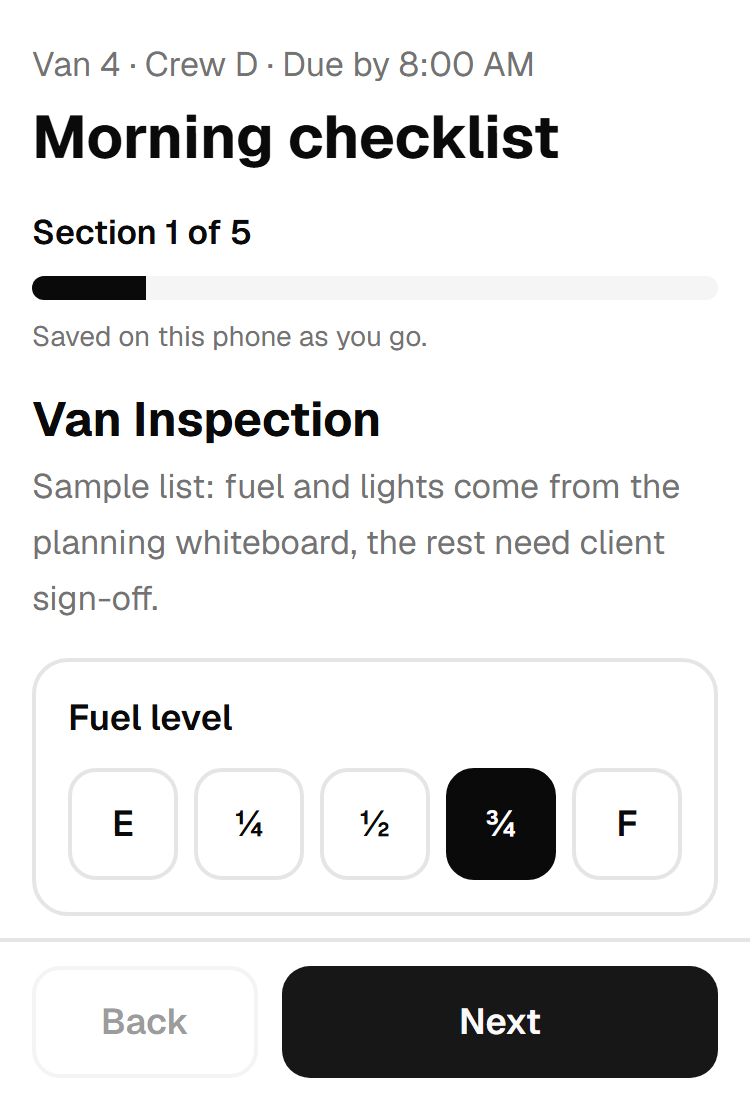
A phone checklist and a live office board that replaced a 3-page paper form at the concrete floor coating company where Max runs operations.
of paper per van, per day, replaced
3pages
became items the crew actually counts
38tick boxes
to scope, build and launch it
6days
Read the case study
A monthly inventory report that builds itself
Someone uploads the month’s stock movement report in a simple form. A new tab named for the month appears in the inventory sheet.
AI reads the lines, but plain code does all the adding, so the AI never totals anything. If a line is missing it refuses to write, and re-uploading a month makes a new tab instead of overwriting.
Runs on: n8n form, GPT-5 mini, Google Sheets
Upload the movement report
Extract PDF Text
Parse Line Items (AI)
Build Report
Create Month Tab
New Tab Created?
Tab Exists - Create Dated Tab
Prepare Rows
Write Rows to Tab
Show Result
A morning summary written for each client
Every morning a short status message is written for each client from their numbers, in their own language, ready to send by WhatsApp.
A failure for one client is logged and the rest of the run carries on.
Runs on: GPT-4.1 mini, WhatsApp (switched off in the demo)
Run the morning pulse
Two sample bookkeeping clients
Write the client message
Send the WhatsApp message (switched off)
Log the failure and keep going
Log the delivery
Questions about this
Do we need new software for a dashboard?
Not necessarily. Sometimes the right answer is a sheet that fills itself; sometimes it’s a small web app. We pick the lightest thing that works.
Can crews use it on their phones?
Yes. The van checklist runs on crews’ phones and keeps working with patchy signal.
Not sure what to automate first?
That's exactly what the call is for. Thirty minutes, free, no pitch.